


Applicable Scope
This guide applies to Gate Web
Before you start: Ensure you can access Gate website
Estimated time: 5 m
Objective
This guide will walk you through how to contact Gate customer support and get assistance on Gate Web.
Steps
Step 1: Open Customer Support Window
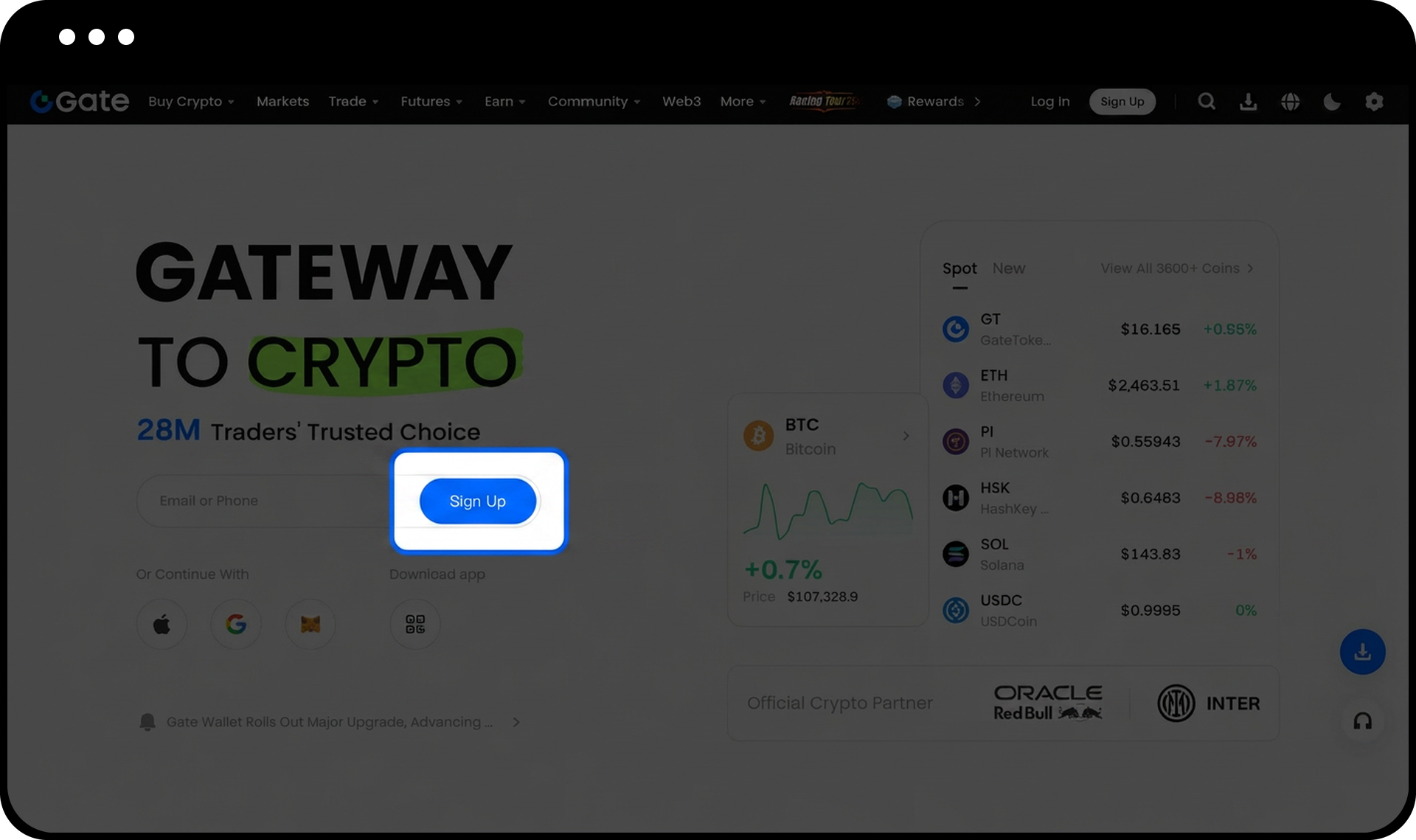
Log in to your Gate account and click the support icon at the bottom right corner of the page to open the customer support window.
Step 2: Use Gate Bot Assistance
In the pop-up "Gate Customer Support" window, you can:
- Browse frequently asked questions for quick answers
- Describe your issue in detail in the input box at the bottom
- Send your message to receive an automatic response from the Chat Bot
Step 3: Connect to Live Support
If the Chat Bot's response does not resolve your issue or you need human assistance:
- Type "Live Support" in the chat box
- Send the message
- Click the pop-up "Connect to Live Support" button
Step 4: Proceed as Guest or Logged-in User
If you are not logged into your account, you can choose to:
- Log in first for account-specific assistance
- Continue as a guest for general inquiries
Notes
- Always contact customer support through official channels provided by the Gate official website to avoid potential scams.
- Never disclose your password, private key, or other sensitive information when communicating with customer support.
- Save all communication records with customer support for future reference.
- Follow Gate's official social media accounts for the latest information and announcements through verified channels only.
- Gate may update product features, interfaces, and support procedures at any time.
FAQ
Q1: Can I contact customer support if I'm not logged into my account?
A: Yes, you can continue as a guest to contact customer support. However, logging in allows support agents to access your account information and provide more specific assistance with account-related issues.
Q2: What information should I never share with customer support?
A: Never share your account password, private keys, two-factor authentication codes, or any other sensitive security credentials. Legitimate Gate customer support will never ask for this information.
Q3: How can I verify I'm contacting official Gate customer support?
A: Always access customer support through the official Gate website or app. Look for the support icon on the official platform and avoid clicking on links from unverified sources, emails, or social media messages claiming to be Gate support.
Disclaimer
The content provided herein is for reference and educational purposes only and does not constitute any financial, investment, trading, or legal advice, nor does it constitute an offer or solicitation to buy or sell any digital assets. Gate makes no express or implied representations or warranties regarding the accuracy, completeness, or timeliness of the information contained herein. Product features, interfaces, rules, and fee structures may be updated or adjusted at any time. Please refer to the latest announcements and the actual information displayed on the Gate platform for the most accurate details.
Digital asset investments involve significant risk, and prices may fluctuate substantially. You may lose the entire amount of your investment. Please make decisions cautiously based on your own financial situation and risk tolerance after fully understanding the associated risks. If necessary, you are advised to consult an independent professional financial or legal advisor.
For more information about potential risks, please refer to Gate's Risk Disclosure and User Agreement.
